Log in to Calabrio for RingCX with your subdomain URL
If you are looking for the legacy login page's help article, click Log in to Calabrio for RingCX (legacy). You can log in to Calabrio for RingCX using either the legacy login experience or the subdomain-based login experience detailed in this article.
The login page allows you to log in using your Calabrio for RingCX credentials or an external identity provider (IdP) such as Okta, OneLogin, and more.
Direct login, also referred to as IAM Authentication, is the default login method. Direct login means you log straight into Calabrio for RingCX itself by entering your email address and password on the login page. Your administrator can change your default login method on the Set up IAM authentication page. From the IAM Authentication page, your administrator can configure an external IdP or multi-factor authentication.
Before a user can log in, an administrator has to create an identity for the user in Calabrio for RingCX. Administrators must navigate to Application Management > User Configuration > Users to create new users.
Your tenant subdomain URL is located at Application Management > Administration > Global Settings > Tenant Subdomain URL as a read-only field.
Prerequisites
IMPORTANT Your organization must use an authentication option on the IAM Authentication page. To configure identity and access management (IAM) authentication navigate to Application Management > IAM Authentication > and select the Enable IAM Authentication (Direct Login) or Enable IAM External Authentication Entity (Company Login) checkbox.
The subdomain-based login experience detailed in this article is not compatible with legacy single sign-on (SSO) configurations through the Authentication page in Application Management.
- An administrator has created your user identity in Calabrio for RingCX.
-
Your IT team must whitelist *.calabrio.one so your subdomain is accessible.
- This login page is only available to Cloud Calabrio for RingCX users. It is not available to Teleopti WFM and on-prem Calabrio for RingCX users.
Procedures
NOTE If you forgot your password, enter your email address on the login page and click Next. Then click Forgot my password.
 Identify your login page
Calabrio for RingCX has different login pages, and it's important to know which version your organization uses. Refer to the list below to correctly identify the login page used by your organization.
-
If your login URL includes a subdomain in the URL then this Help article is the right place for you. A subdomain is the part of a URL that comes before the main domain name. Continue referencing this Help article for information relevant to your organization. The following is an example.
[placeholder].calabrio.one
Where [placeholder] is the unique subdomain for your organization's tenant account.

-
Your tenant subdomain URL is located at Application Management > Administration > Global Settings > Tenant Subdomain URL as a read-only field.
-
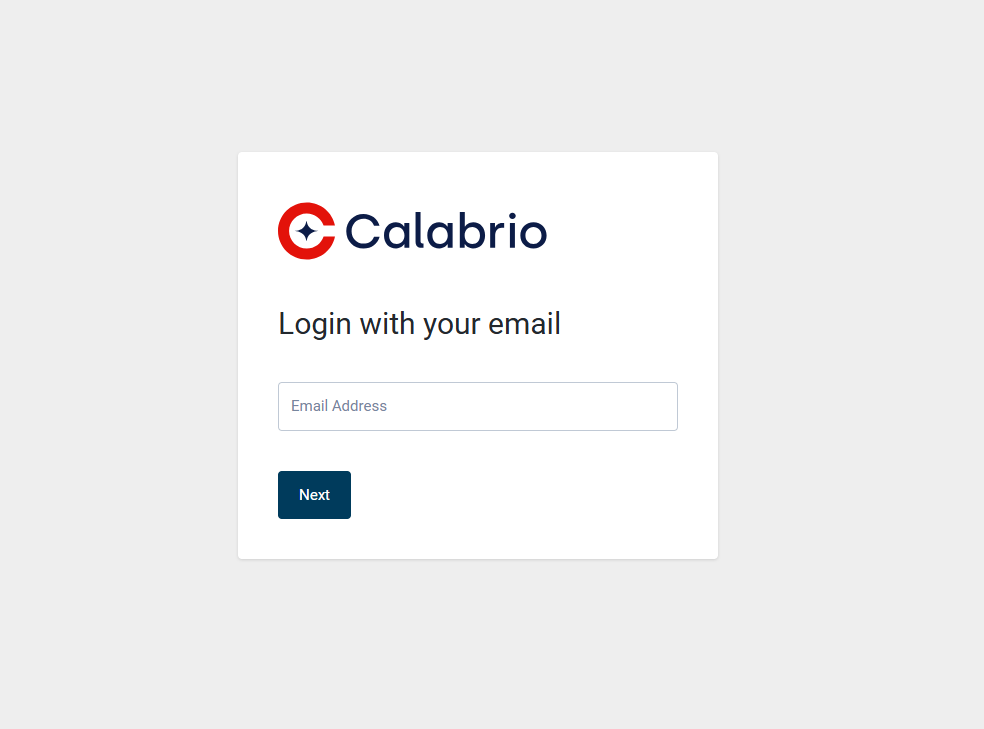
If your login page looks like the image below, and your login URL does not have a unique subdomain, then you are on the legacy login experience. Refer to Log in to Calabrio for RingCX (legacy) for information relevant to your organization.
-
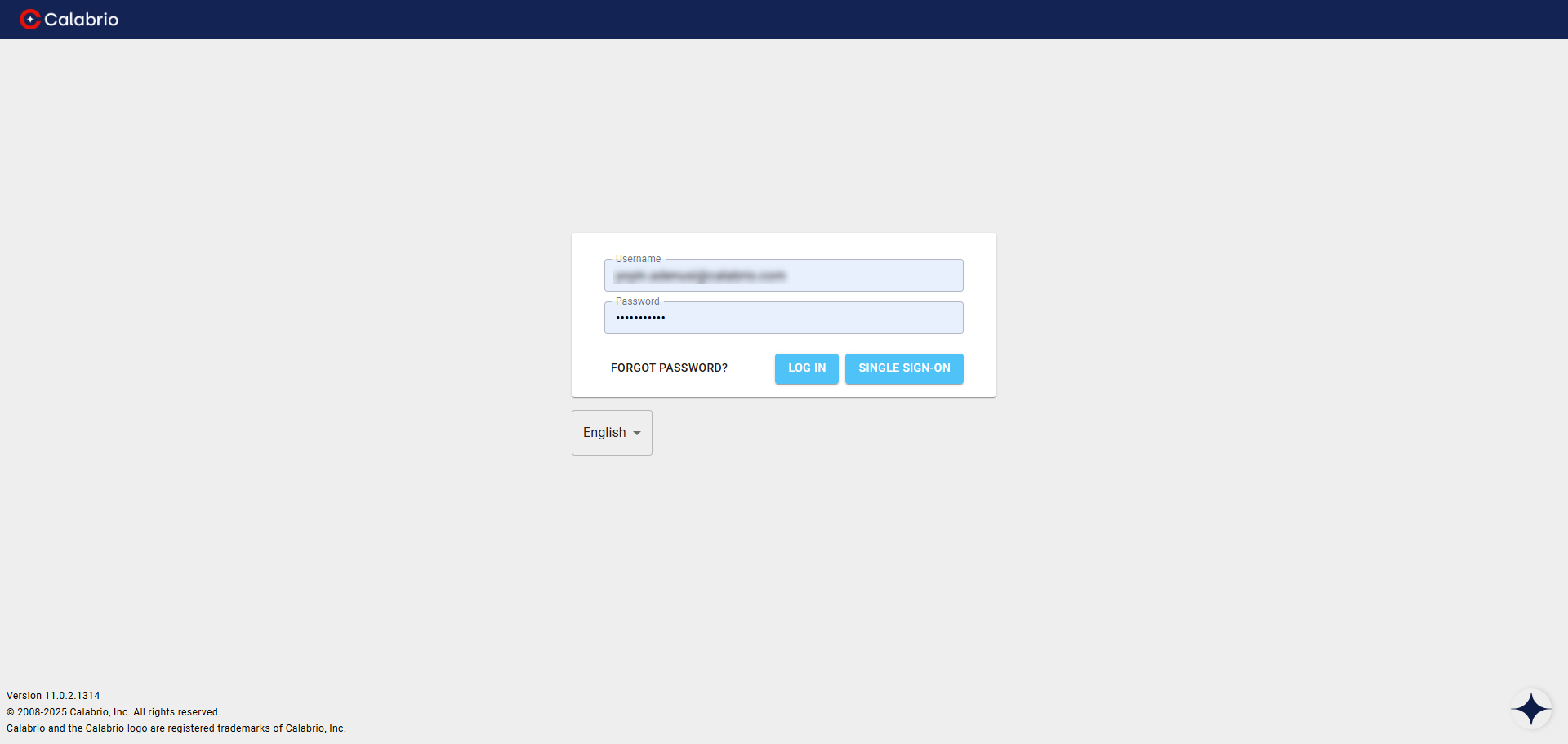
If your login page looks like the image below, then you are on the legacy login experience. Refer to Log in to Calabrio for RingCX (legacy) for information relevant to your organization.
WFM only:
-
If your organization only uses RingCentral Teleopti WFM, then refer to Log in to RingCentral Teleopti WFM for information relevant to your organization.
-
If your organization uses Azure Virtual Desktop (AVD) to access WFM, then refer to Guidelines for accessing WFM through Azure Virtual Desktop (AVD) for information relevant to your organization.
Activate your Calabrio for RingCX account
Activation is a one-time process. If your account is already activated, then view the Log in to Calabrio for RingCX procedures.
Activate your Calabrio for RingCX account if you have direct login
- Navigate to the login URL for your organization.
- Enter your email address.
- Click Forgot my password!.
- Enter your email address. This email address must match the email address of your Calabrio for RingCX user identity that your administrator created.
- You receive an email, and you must click the link in the body of the email.
- You are routed to a webpage where you must enter your new password. Follow the on-screen prompts. Enter a unique password that follows the password complexity requirements detailed in Password complexity requirements. After you successfully complete this procedure, proceed to one of the Log in to Calabrio for RingCX procedures.
Activate your Calabrio for RingCX account if you have SAML Single-Sign-On (SSO)
- Navigate to the login URL for your organization.
- Enter your email address. You are redirected to your identity provider (IdP).
- Follow the onscreen prompts to log in using your IdP. Afterwards, you are routed back to the Calabrio for RingCX login page. No further steps are required.
Log in to Calabrio for RingCX
Log in to Calabrio for RingCX with your Calabrio for RingCX credentials (direct login)
Follow this procedure if your organization does not use an external identity provider.
-
Navigate to the Calabrio for RingCX login page using the URL unique to your organization.
- Enter the email address associated with your Calabrio for RingCX user account.
- Click Next.
- Enter the password associated with your Calabrio for RingCX account.
- Click Next. If successful, you are directed to Calabrio for RingCX.
Log in to Calabrio for RingCX using your organization’s external identity provider
Follow this procedure if your organization uses an external identity provider.
-
Navigate to the Calabrio for RingCX login page using the URL unique to your organization.
- Enter the email address associated with your Calabrio for RingCX user account.
- Click Next.
-
Click Company Login. You may see a Direct Login or Company Login button depending on your organization.
NOTE You may be redirected to your organization’s external identity provider to log in. If so, follow the onscreen prompts to complete the log in process.
Log into Calabrio for RingCX using multi-factor authentication
Follow this procedure if your organization uses multi-factor authentication.
-
Navigate to the Calabrio for RingCX login page using the URL unique to your organization.
- Enter the email address associated with your Calabrio for RingCX user account.
- Click Next.
- Enter the password associated with your Calabrio for RingCX user account.
-
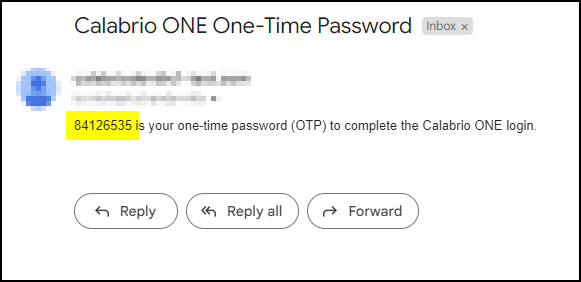
Calabrio for RingCX automatically sends an email to your account with a one-time password from "supportservices_noreply@calabriocloud.com". Open the email and copy the one-time password located in the body of the email.
IMPORTANT The password expires in five minutes.
-
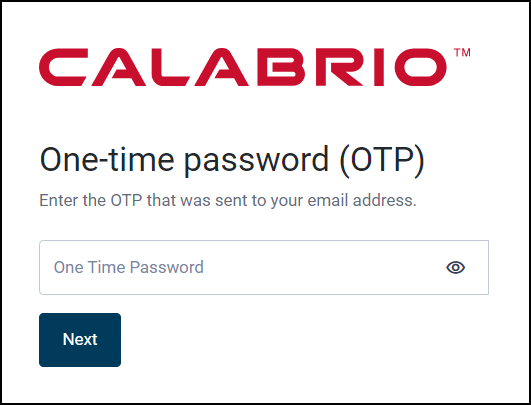
Enter the one-time password on the Calabrio for RingCX login page.
-
Click Next. If successful, you are directed to Calabrio for RingCX.
NOTE If you do not receive a one-time password email within one minute, check your spam folder or work with your IT administrator to ensure the one-time password email from "supportservices_noreply@calabriocloud.com" is not blocked.
Password complexity requirements
Passwords must conform to the following rules.
- Must be a minimum of 8 characters.
-
Must contain at least one of each of the following.
Uppercase letters
Lowercase letters
Numbers 0-9
Special characters! # $ % & ( ) , . / : ; = ? @ ^ ` | - Cannot contain your name or email address.
NOTE Passwords do not expire.
Related topics